Product Photo Background Ideas for Online Stores
Choose between pure white, solid brand colors, and lifestyle scenes for your online store—separating binding marketplace rules from optional creative styles.

Quick answer
Use pure white (#FFFFFF) for marketplace main images and catalog clarity, soft neutrals or solid brand colors for cohesive storefront collection grids, and real lifestyle scenes for secondary gallery slots that show scale and everyday use. Before choosing a style, check whether your sales channel enforces a binding background rule or leaves the choice to you.
On this page
Key takeaways
- Separate platform requirements from creative choices: Amazon Seller Central requires pure white (
RGB 255, 255, 255) for most main images, while Etsy requires at least one unedited photo against a real background and renders transparent PNGs as black. - Match the background to the slot, not just the product: Most high-converting listings combine a distraction-free catalog shot with one or two contextual lifestyle views rather than forcing one backdrop to do every job.
- Keep the product visually dominant: High-contrast patterns, glossy tabletops, and saturated neon colors pull attention away from the item and distort how shoppers read true product color.
Platform requirements vs. creative background options
Before styling a shoot or swapping backgrounds in an editor, verify what your store platform actually requires.
| Sales channel | Binding platform requirement | Where creative backgrounds fit |
|---|---|---|
| Amazon | Main images must use a pure white background (RGB 255, 255, 255), show only the item for sale, and avoid text, logos, or extra props (Amazon Seller Central) |
Secondary gallery slots are explicitly meant for lifestyle scenes, environments, close-up textures, and scale (Amazon Seller Central) |
| Etsy | Each listing must include at least one unedited photo of the actual item against a real background; transparent PNGs are unsupported and appear black (Etsy Help) | Additional listing photos may use background edits or styled surfaces as long as they accurately represent what the buyer receives (Etsy Help) |
| Shopify & independent DTC stores | No mandatory pure-white main-image rule; Shopify's photography guide recommends a clean sweep for focus, but you control your theme's visual system | Full freedom to standardize on off-white, soft gray, solid brand colors, or editorial lifestyle grids across collection pages |
Three core background styles (and when each wins)
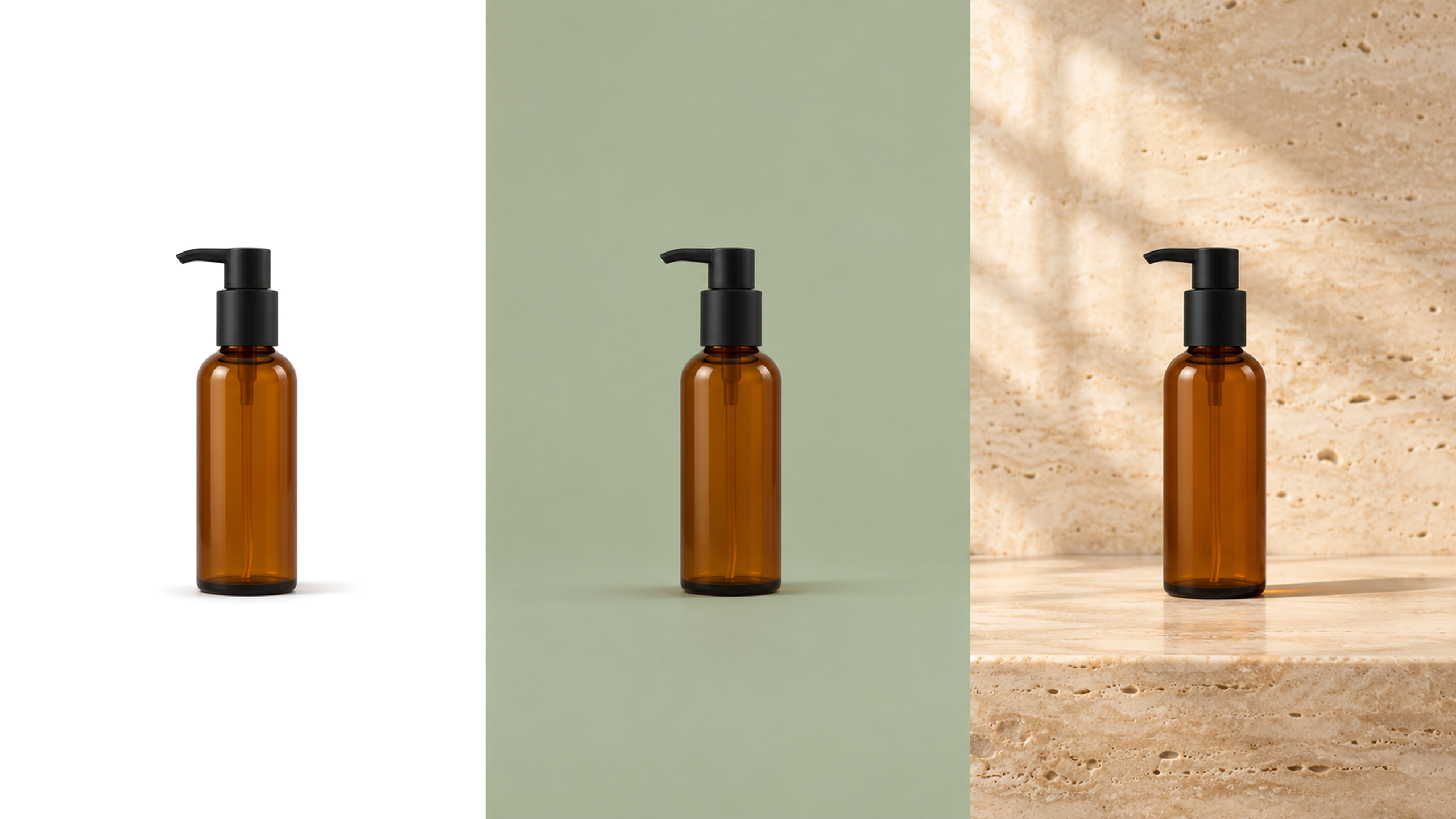
Seeing the same item across different backdrops makes the trade-off immediate: white maximizes comparison speed, solid brand colors unify a storefront grid, and lifestyle scenes answer scale and usage questions.
1. Pure white (#FFFFFF) for marketplaces and clean catalogs
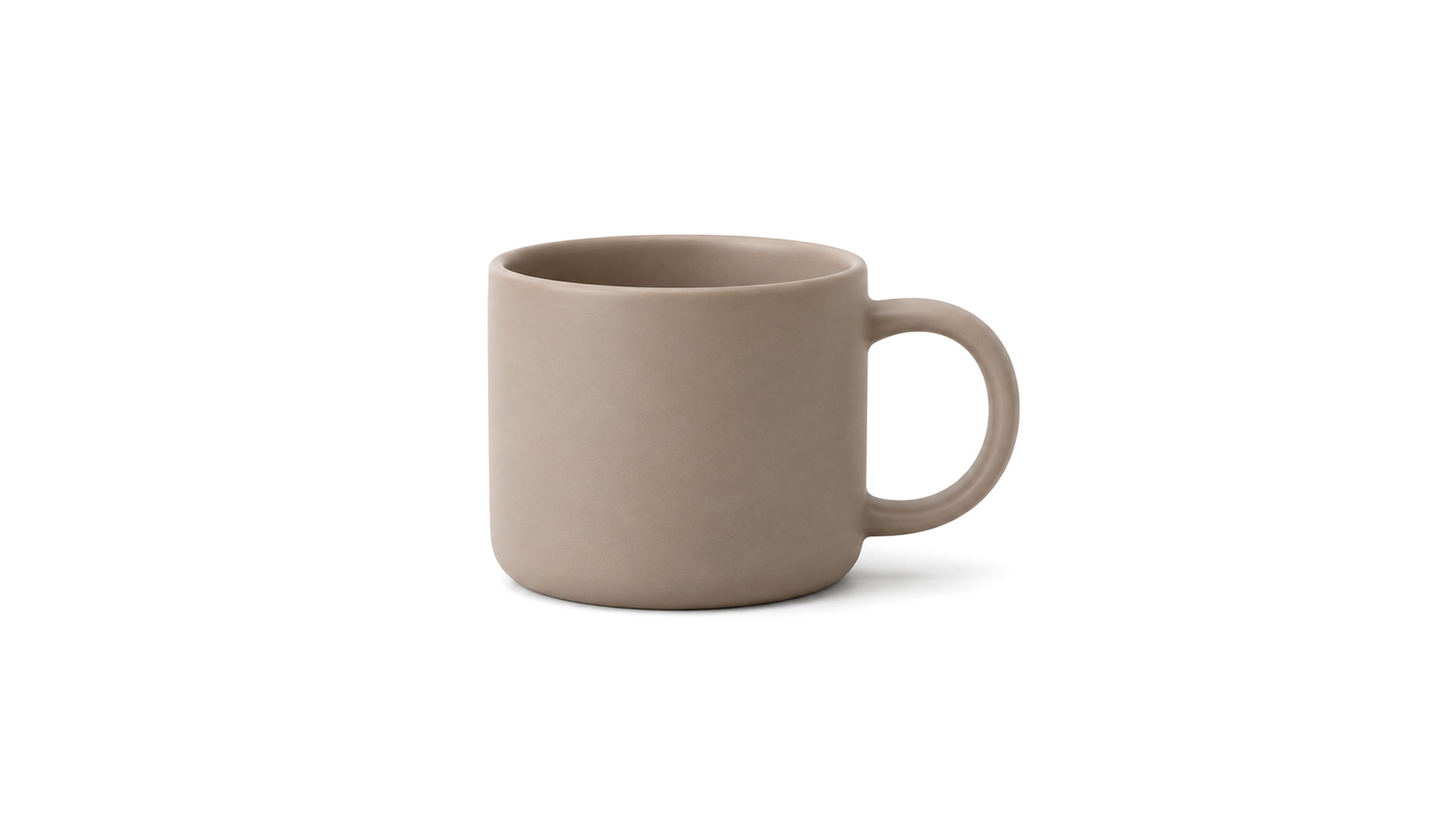
Pure white removes every distraction so shoppers can compare silhouettes, labels, and finishes quickly in search results. It is the safest baseline if you sell across multiple channels because one clean white master satisfies strict marketplace main-image rules.
- Best for: Amazon main images, wholesale line sheets, multi-brand catalogs, and colorful or dark-toned products.
- Watch out for: White or pale silver products can blend into
#FFFFFFunless you maintain crisp edge separation and subtle natural grounding. Follow our guide on how to make product photos white and square to prepare compliant catalog files.
2. Soft neutrals and solid brand colors for DTC collection grids
On your own online store, pure white can sometimes feel clinical—and white products often look sharper against soft light gray (#F3F4F6), warm cream (#F5F1EA), or a muted brand tint (such as pale sage, dusty blue, or warm sand).
- Best for: White apparel, ceramics, cosmetics, electronics, and direct-to-consumer collection pages where every product card shares one consistent hex color.
- Practical workflow: Shoot your product cleanly once, remove the original backdrop in PhotoBGOff, and export both a pure white copy for marketplaces and a uniform solid-color copy for your own storefront so your catalog grid stays perfectly aligned.
3. Textured surfaces and lifestyle scenes for context and scale
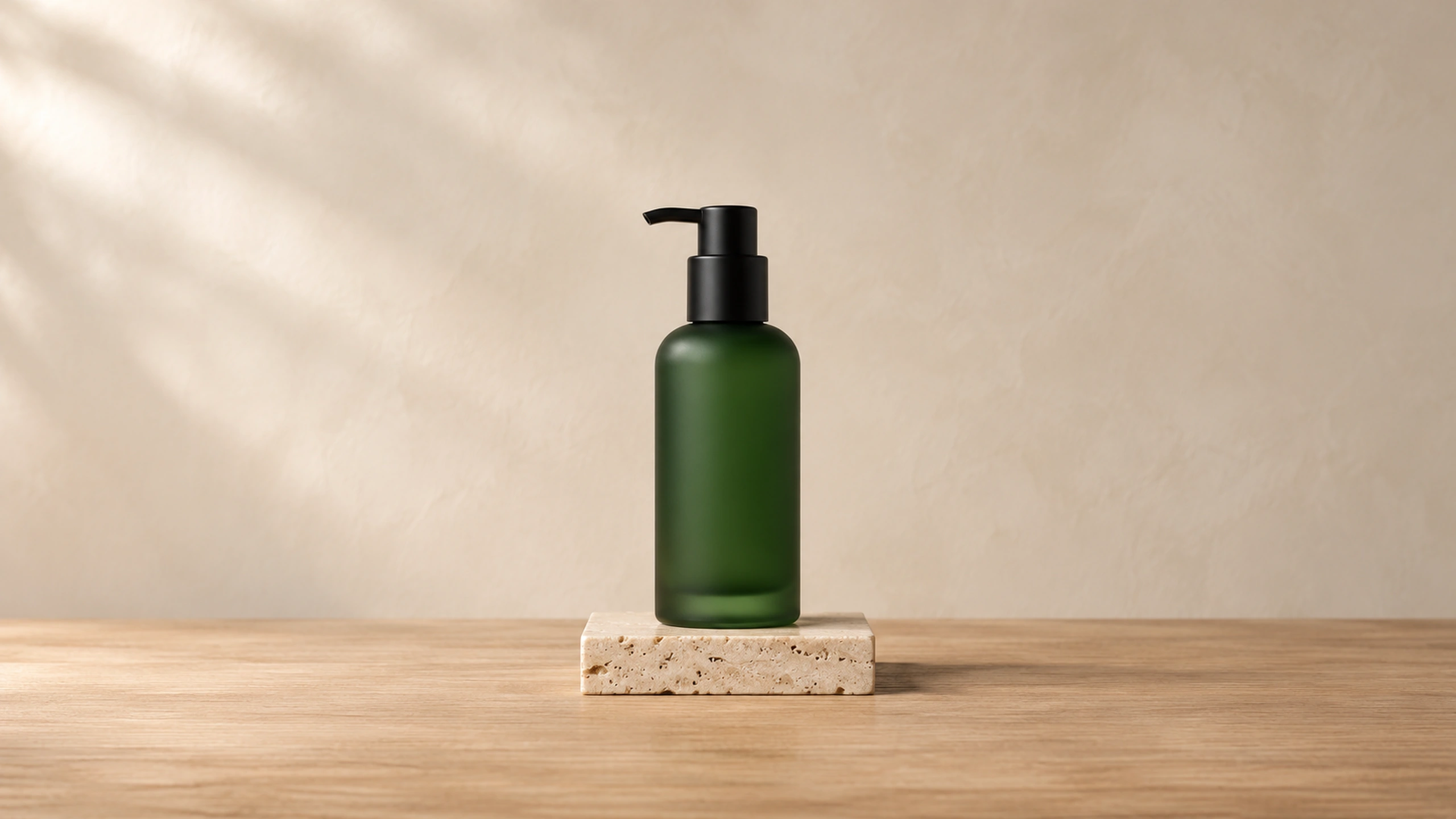
Solid backdrops show what a product looks like, but they do not show how big it is or where it belongs. Secondary images on real surfaces—matte stone, warm wood, linen, or a natural kitchen, bathroom, or desk setting—help buyers picture the item in their own space.
- Best for: Secondary gallery slots, Etsy main photos (when paired with clear framing), home goods, skincare, candles, apparel, and handmade items.
- Keep it believable: Match the surface to how the item is actually used (wood or ceramic tile for kitchenware, matte stone or linen for skincare, charcoal slate for watches or dark hardware). Avoid busy brick walls, glossy contact paper that causes harsh glare, or cluttered props that could confuse buyers about what is included in the order.
Quick pairing guide by product category
Use this table as an illustrative starting point for your store's visual direction—always test one real product photo first to make sure the background does not shift how your item's colors read.
| Product type | Clean catalog slot | Branded or textured option | Lifestyle context slot |
|---|---|---|---|
| Skincare, candles & beauty | Pure white #FFFFFF |
Warm cream, pale sage, or matte travertine | Sunlit bathroom counter or vanity shelf |
| White or light-colored goods | Pure white (for marketplaces) or soft light gray #F3F4F6 (for DTC) |
Muted mid-tone neutral (warm taupe or slate blue) | Contrasting wood table or natural linen |
| Jewelry, watches & metallic hardware | Pure white #FFFFFF |
Matte charcoal, brushed slate, or soft neutral fabric | Worn on hand/wrist or styled on a clean tray |
| Kitchenware, ceramics & food | Pure white #FFFFFF |
Soft warm sand or matte plaster | Natural wood countertop with soft window light |
| Apparel & accessories | Pure white #FFFFFF |
Soft neutral seamless paper matching your brand palette | Natural daylight room or outdoor street context |
Shoot clean source photos before swapping backgrounds
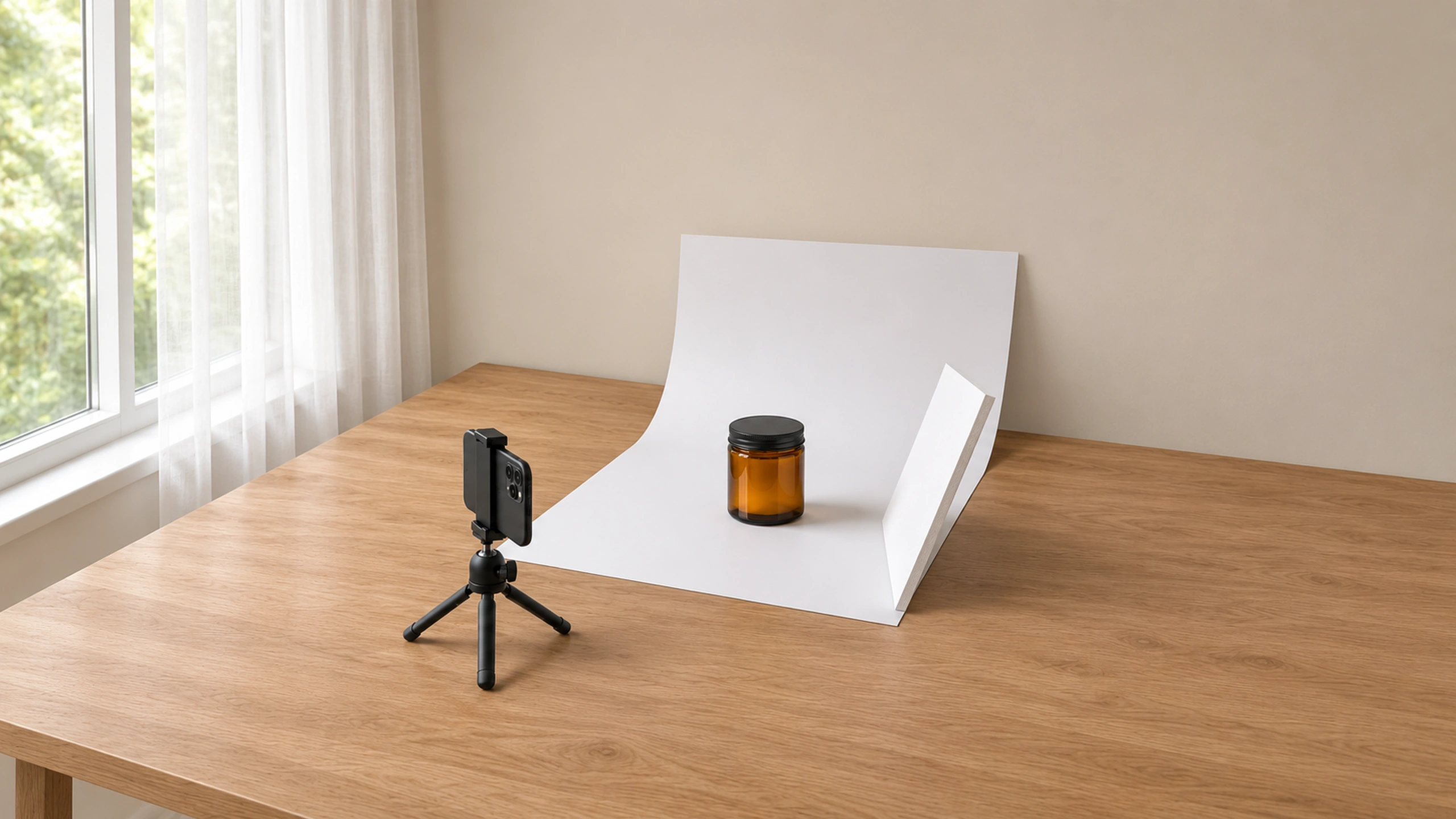
Whether you plan to keep a real surface or replace the background digitally, source lighting determines whether the final image looks natural. Soft, diffused window light and a simple tabletop setup—covered step by step in how to take product photos at home with a phone—prevent harsh color casts from spilling onto your product's edges.
If you replace a background digitally or generate a styled backdrop, check two things before publishing:
- Lighting direction matches: A product lit sharply from the left looks pasted-in on a background lit from the right.
- Product details stay untouched: Confirm labels, stitching, and true colors match the physical item you ship.
Frequently asked questions
Should I upload a transparent PNG directly to my online store?
Usually no. While a transparent PNG is great as your master cutout file, marketplaces handle transparency differently—Etsy explicitly notes that transparent PNG areas appear black, and Amazon requires an opaque pure white (RGB 255, 255, 255) main image. Export an opaque version on your chosen solid color before uploading.
Can I use AI-generated lifestyle backgrounds for my product listings?
Treat AI-generated scenes as optional creative assets for secondary slots or ads—never as a substitute for required real photos. On Amazon, main images must be photographs of the actual product on pure white; on Etsy, you must still include at least one completely unedited photo of the actual item against a real background.
How many different backgrounds should one store use?
Stick to one uniform catalog background (pure white or one exact neutral/brand hex code) across all collection thumbnails, plus one or two complementary lifestyle surfaces across secondary gallery slots. Mixing five unrelated textures across a collection grid makes even well-lit products look inconsistent.