Image editing
How to Remove an Image Background and Save a Transparent PNG
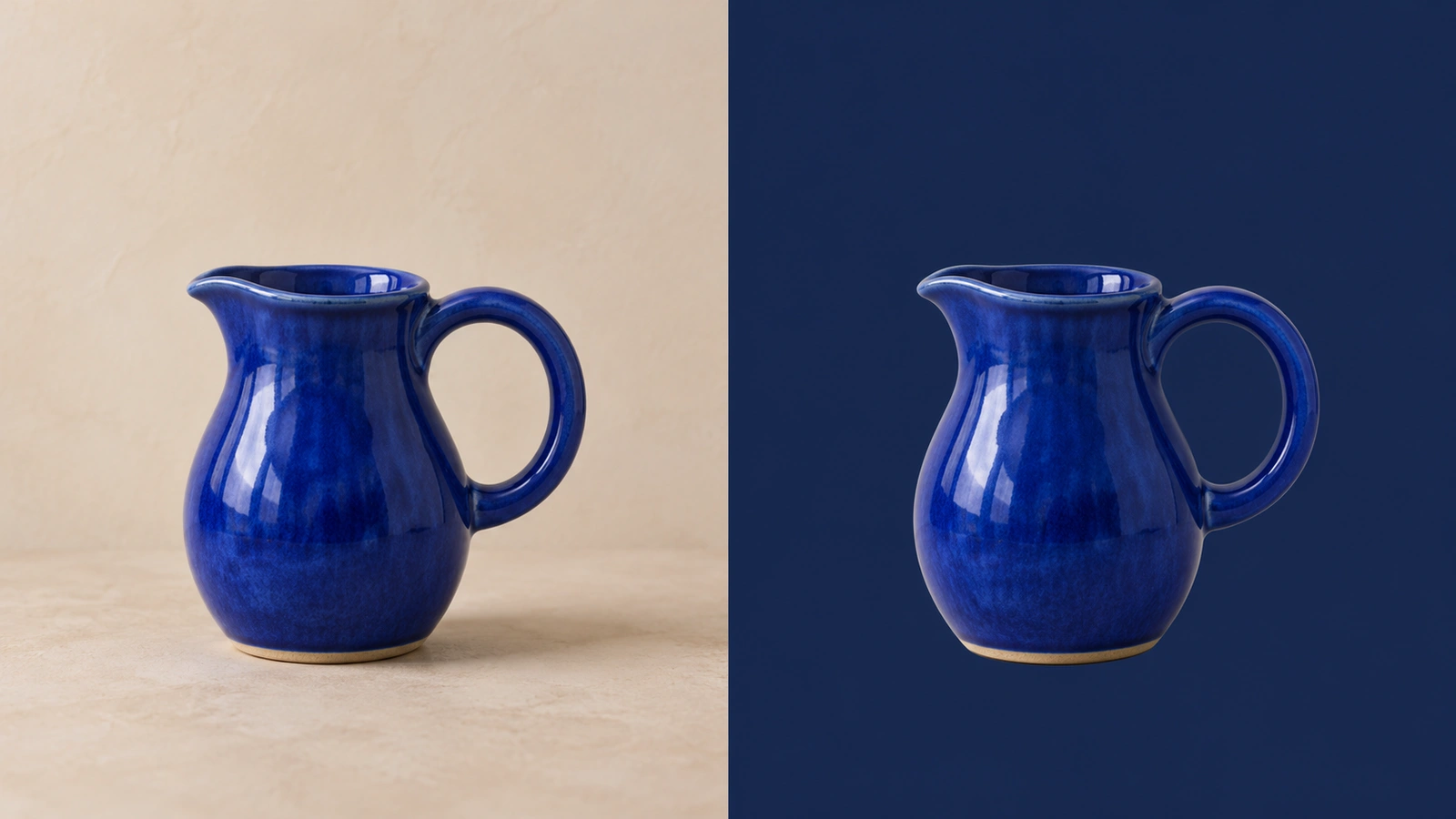
Remove a photo background, export a PNG with an alpha channel, and verify true transparency over a colored layer without getting stuck on white previews.
Read the guidePractical guides for taking product photos, editing images and choosing the right file format.
Image editing
Remove a photo background, export a PNG with an alpha channel, and verify true transparency over a colored layer without getting stuck on white previews.
Read the guideProduct photography
Turn a product photo into a pure white (#FFFFFF), 1:1 square catalog image, fix retained display blocks with edge touch-up, and verify pixel dimensions before uploading.
Image editing
Organize photos by output goal, apply one background and format setting in Bulk Studio, catch outlier cutouts before downloading, and verify your extracted ZIP archive.
Image editing
Test your cutout on light and dark backgrounds, tell a leftover halo from a missing subject edge, clean up edges with Erase or Restore, and verify at intended display size.
Troubleshooting
Find out whether your PNG is truly transparent in a white viewer or actually opaque from export settings, app flattening, or JPEG conversion—and fix the right cause.
Mobile editing
Remove a photo background in your phone's browser, locate your downloaded PNG on iPhone or Android, and confirm transparency stayed intact before sharing or posting.
Privacy & technology
Learn how local browser background removal separates runtime and model downloads from image uploads, how to check network traffic in DevTools, and what local mode does not guarantee.
Image formats
Compare PNG, JPEG, and WebP for transparent cutouts, product photos, and web pages—grounded in browser compatibility docs and controlled export checks.
Product photography
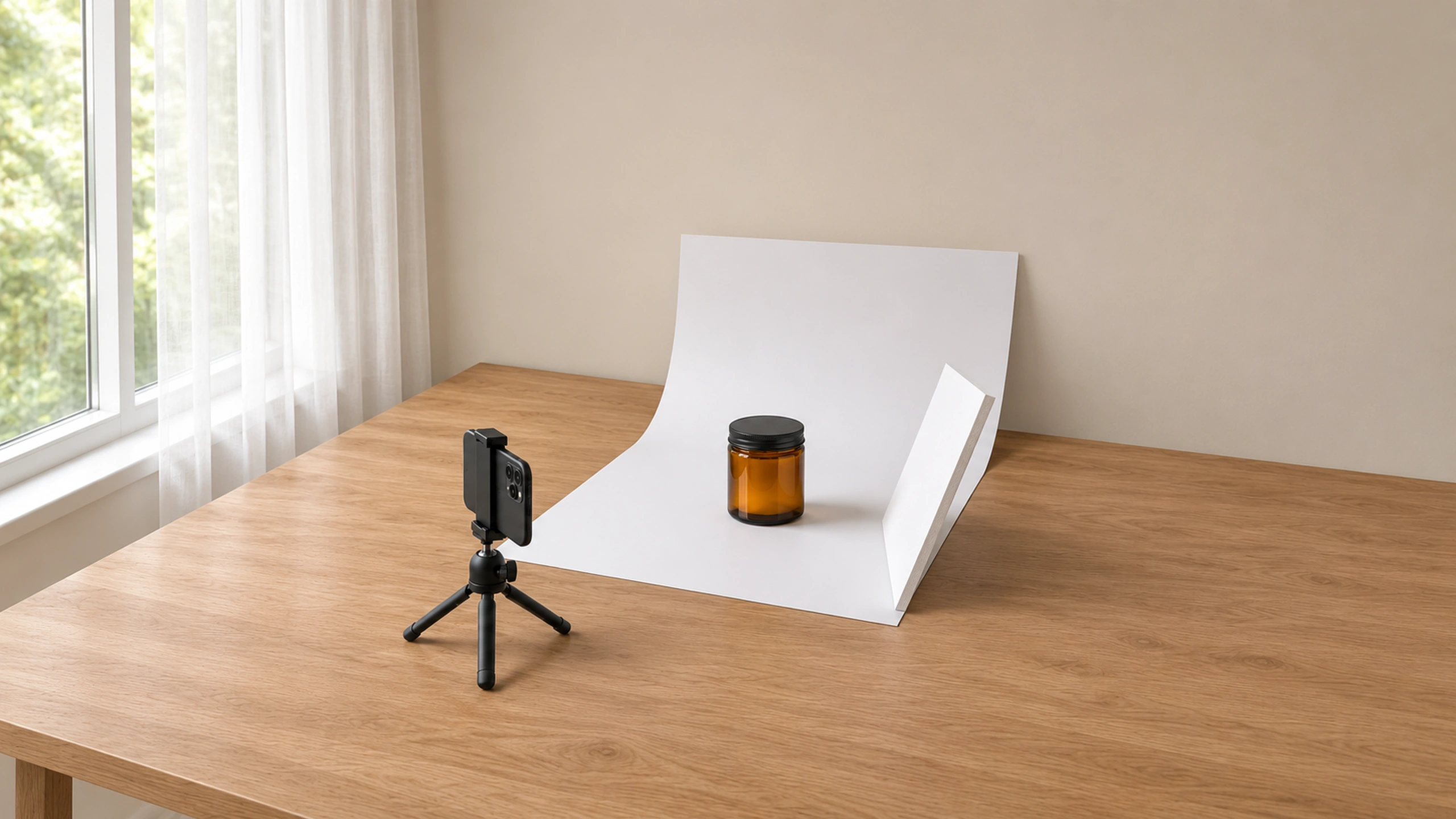
Shoot consistent, well-lit product photos at home using your phone, indirect window light, a bounce card, and two repeatable setups—with background removal kept optional.
Desktop tutorials
Remove a photo background non-destructively in GIMP 3.0 using an alpha channel, a starting selection, a reversible layer mask, and a verified transparent PNG export.
Image sizing
Fit a rectangular photo into a 1:1 square canvas without cutting off edges or stretching proportions, with exact 1200x800 padding math and format tips.
How-to
Remove a picture background in PowerPoint using Picture Format > Remove Background, refine the magenta mask, and export a transparent PNG with Save as Picture.
Image editing
Remove a white background from a raster logo without losing internal white details or thin strokes, export a transparent PNG, and verify clean edges on dark backdrops.
Image editing
Compare product-photo background editors by edge control, white-background exports, batch limits, and licensing—with an identical-input test rubric and publisher disclosure.
Product photography
Choose between pure white, solid brand colors, and lifestyle scenes for your online store—separating binding marketplace rules from optional creative styles.
Product photography
Compare no shadow, real camera shadows, and added contact shadows on a white background, keep outer edges pure #FFFFFF, and follow verified marketplace rules.
Migration guides
What changes when the standalone Remove BG site closes on December 1, 2026 at 9:00 AM CET, what to save before cutoff, and which replacement fits single, batch, or API workflows.
Personal photos
Turn a selfie into a transparent PNG and check the result on your phone.
Personal photos
Keep curls and fine strands when removing the background from a portrait.
Personal photos
Set a white background, keep the face in frame, and preview a round crop.